
It would be amazing to build an online auction platform that has a professional appearance and is also able to attract users through their live bids, exactly what you can get with Squarespace. Although the platform lacks in-built auction features, it still offers a high degree of flexibility and customisation, allowing for a feature-rich, SEO-optimised auction site. This is a step-by-step tutorial on how to create a charity auction event, a limited-edition sale, or a bidding competition by designing an auction website on the Squarespace platform.
Why Use Squarespace to Build an Auction Website?
Squarespace is simply not all its fashionable and multimedia-friendly templates; in fact, the eCommerce framework, mobile-friendly templates, and strong content features are what make it an ideal choice for companies to start a new auction website in Squarespace. The platform still does not have in-built auction logic, but you can very conveniently integrate third-party bidding services to get an auction feature up and running on Squarespace.
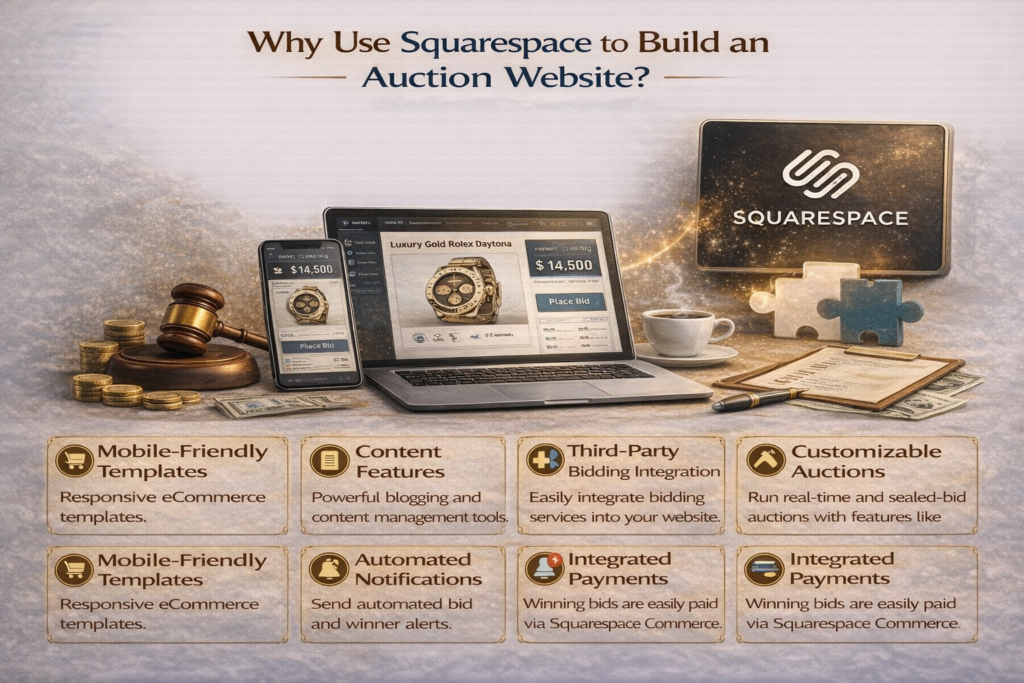
By using the appropriate tools, you can completely transform your usual website, such as an auction site, into a more interesting and dynamic destination. You can host real-time or silent auctions that allow users to either place bids immediately or submit their best offers confidentially. Furthermore, add more features to the platform, allowing artists to set reserve pricing and time limits, so that goods will be sold only at their base value or above. Take the process to the next level by sending automated bid and winner notifications, ensuring all parties are updated simultaneously. After an auction ends, winners can easily make payments via Squarespace Commerce, which will allow everything to stay on a single, sophisticated platform.
These features provide Squarespace with an advantage as a decision for companies that are ready to start an Auction Website in Squarespace without the headache of custom CMS development.
Steps to Create an Online Auction Website on Squarespace
Step 1: Choose the Right Template
Choose a modern template that is mobile-friendly and has product grids and visual banners. Templates such as Brine or Five are great for auction-style layouts. Utilise timers, banners, and promo pop-ups to generate a feeling of urgency. “A straightforward visual layout with optimized content keeps auction participants engaged and concentrated.”
Step 2: Add and Optimise Auction Listings
For each item, create a product page and write an easy-to-understand, SEO-friendly description. Use phrases like “Only one left” or “Auction finishing soon” to develop a sense of urgency. Provide good pictures, item background, and starting bids. “Accurately named product listings have a very important position in increasing the visibility of the search and in gaining the trust of the users.”
Step 3: Embed External Auction Tools
As Squarespace cannot do native bidding, a third-party tool like 32Auctions, BiddingOwl, or Webkul can be integrated. You can use code blocks or widgets to embed these tools and support live bidding directly within your site. This allows for smooth bid event embedding on a Squarespace website without disrupting the overall user experience. “Embedding external bidding platforms allows users to feel close to live auction excitement without completely static listings.”
Step 4: Add Custom Features with Code (Optional)
If you want the user experience to feel seamless, adding custom code can make your Squarespace auction website function like a native auction platform. Technologies like React enable real-time bid counters, Python secures backend logic, and AI chatbots can support bidders during the process. “Custom-coded auction elements lead to better performance and a more professional user experience.”
Step 5: Test, Launch, and Promote
Run a test auction first to collect feedback and fine-tune any technical or design issues before going live. Once you’re confident, launch your site and start promoting it through SEO-optimised blog content, product page updates, and targeted newsletters. Use key phrases like “Buy from auction” and “buy products at a competitive price through auction” across your content. “Promoting your auction site through content-rich channels increases visibility and builds long-term engagement.”
SEO Tips for Your Squarespace Auction Website
Creating a beautiful auction site is only half the job—you need to ensure people can find it. Here’s how to optimise your Squarespace auction website for search engines:
- Firstly, incorporate primary keywords like “buy [industry item] on our online auction” and “buy items cheap price at our online auction” naturally into the text, headers, and image ALT tags.
- Enrich the main content with related keywords, such as “[Industry item] at online auction” and “best online auction site”.
- Linking to relevant blog articles can also enhance the authority and user engagement of your content. According to one guide on digital storefront strategies, “How to Buy from an online auction website”.
- Regularly publish blog content featuring past auction events, winner stories, and upcoming item previews to improve crawl frequency and user time-on-site.
Who Should Use Squarespace for Auctions?
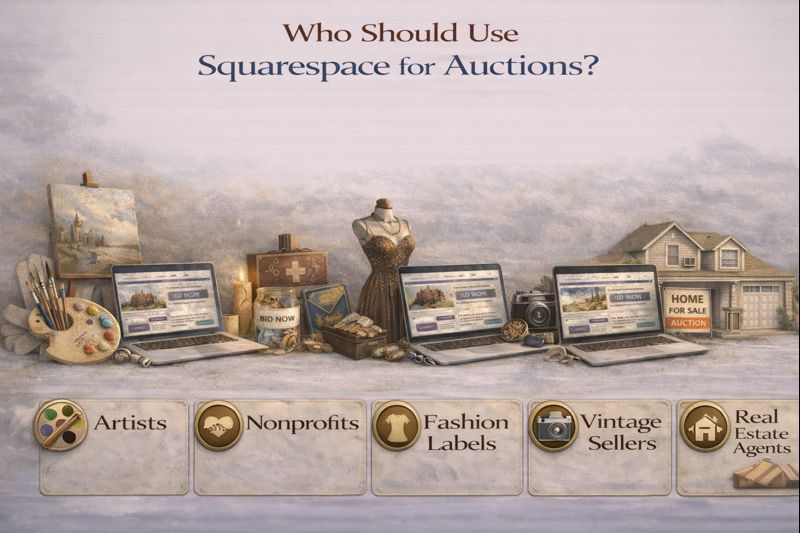
- Many businesses are opting for Squarespace auction website designs to facilitate their bidding processes and connect with more people:
- Artists may start limited edition prints or release digital art as NFTs with auction features.
- Nonprofits can organise online fundraising auctions that attract supporters from around the world.
- Fashion labels might implement timed drops to gain excitement around limited collections.
- Vintage sellers’ anxiety can be alleviated by showcasing the rarest items, for which the most suitable pricing is competitive and fair.
- Real estate agents can also develop exclusive pages for bidding on luxury properties.
The adaptability and aesthetic appeal of Squarespace turn it into a perfect platform for such scenarios.
Partner with Cyblance: Your Auction Website Development Experts
If you need technical support and implementation, Cyblance is the Squarespace ecommerce development company to turn to. They have facilitated the installation of numerous, easy-to-use auction platforms for various business startups. Along with custom integrations and mobile optimisation, the balance team strikes a balance between customer satisfaction and advanced functionalities with their eye-catching auction experiences.
In an e-commerce personalisation, they refer to “Interactive features such as bidding counters and live timers which can drastically improve retention and reduce bounce rates.” With Cyblance, you’re not just getting a beautiful design; you are creating an auction ecosystem built to deliver.
Imagine creating an art project using the ‘Sell Products by Auction’ method in Squarespace, or perhaps you want to release a vintage collection or organise charity organisations. Well, Cyblance is capable of doing all these. If you need help with theSquarespace designer for styling or integration, then they are the right team for you.
The wonderful features of Squarespace, along with its visually appealing aspect, make it the perfect platform for these types of situations.
Final Thoughts
Developing an auction website through Squarespace is not just possible but also a brilliant idea. Through the user-friendly front end, you can provide your clients with a personalised experience while enjoying the efficiency of Squarespace’s back end. Everything is feasible, from template choice and SEO to your own custom features.
If you are aiming for the loftiest heights, consider working with Cyblance, a Squarespace ecommerce development company that is well-versed in showcasing your auction’s uniqueness. Their expertise in areas such as integration, design, and development can help you achieve your business objectives more efficiently.
Still craving for more motivation? Why not check out the Cyblance blog to see how the use of efficient digital tools can revamp your web selling tactics even now?
FAQ: Building a Squarespace Auction Website
Not directly. However, with embedded tools and custom code, you can create seamless auctions that work smoothly on the Squarespace platform.
Tools like BiddingOwl, Webkul, or 32Auctions are effective options for managing auctions. For advanced capabilities, custom development by Cyblance may be your best option.
Absolutely. Winning bidders can be directed to pay via Squarespace Commerce, PayPal, or Stripe.
Use blog content, SEO keywords, email marketing, Google ads, and social media paid marketing.
If you want a fully customised, high-quality auction experience, working with an auction website development company like Cyblance is highly recommended.